Image DPI checker.
See how large your image can print. Check real pixels, print PPI, and the file's stored DPI tag.
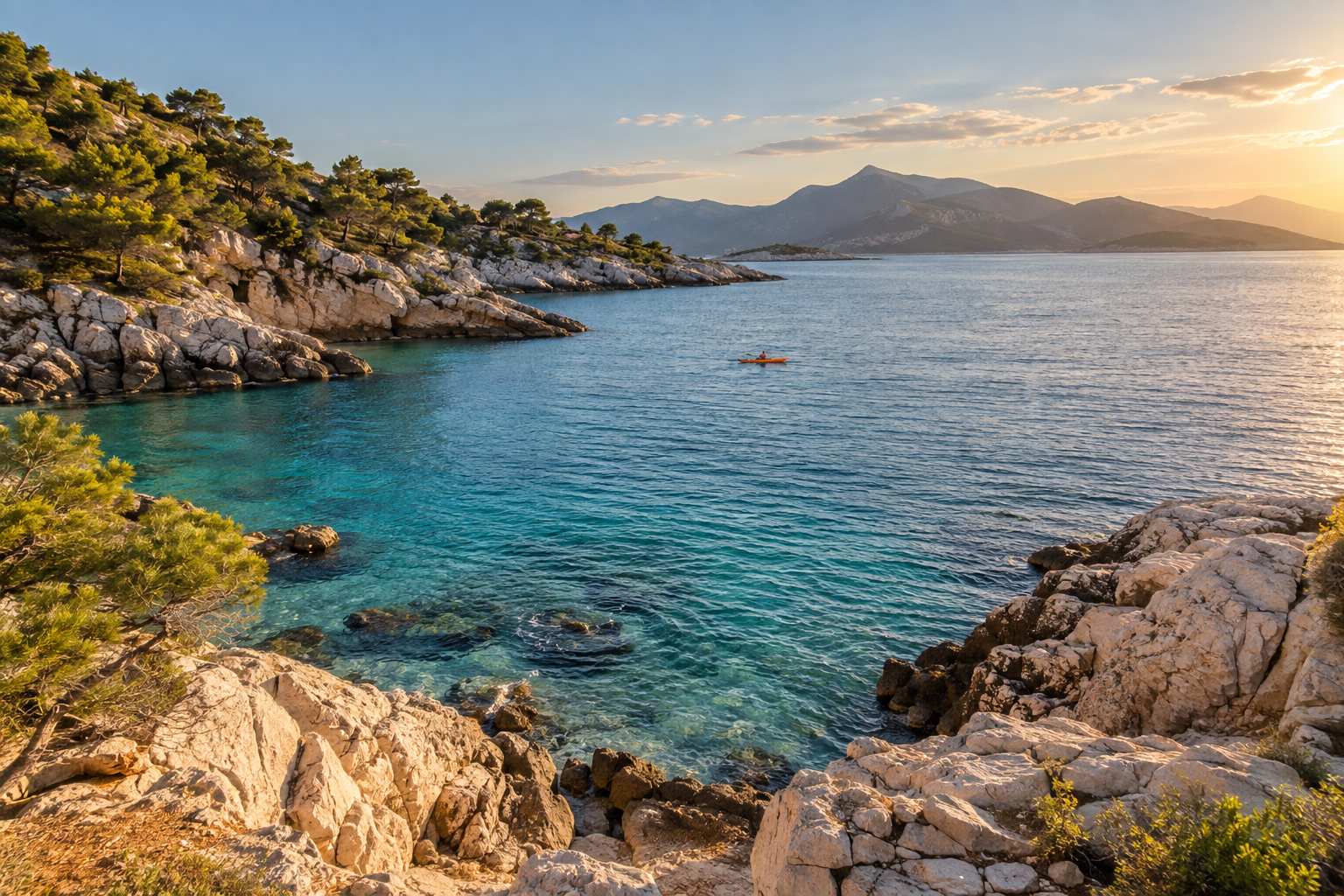
Sample image. Choose Try sample to check it.
Select an image to read supported file tags.
Dimensions follow the browser-decoded display orientation.
Choose your print size
Print size describes the whole image. This checker does not crop or resize it.
Choose an image to check its print size
Your image stays on this device.
The chosen print ratio stretches the image. Horizontal and vertical PPI differ; no crop is applied.
Maximum size at a target PPI
Planning targets, not a guarantee of image sharpness. Ask your printer about its requirements.
Check an image before printing
- Choose a static image. Pixel dimensions follow its decoded display orientation, including supported JPEG EXIF rotation.
- Enter the width or height you want to print. Keep the ratio locked to avoid stretching; switch between inches and centimeters.
- Read horizontal and vertical PPI. Compare the maximum sizes for the 150 and 300 PPI planning targets.
- Save the text report or copy the summary. Your image is not changed or sent to a server.
A useful calculation
A 2,400 × 3,000 pixel image printed at 8 × 10 inches has 300 PPI in both directions.
The same image at 16 × 20 inches has 150 PPI. At 20.32 × 25.4 cm, it has 300 PPI because one inch is 2.54 cm.
These calculations describe pixel density. A blurry photo can have many pixels and still look blurry in print.
The DPI tag and print PPI answer different questions
Pixels are the actual width and height of the image. PPI is how many of those pixels fit in an inch at your chosen print size. Printer DPI describes the printer's dots, which is a separate measurement.
A file can contain a resolution tag commonly called DPI. This checker reads supported PNG pHYs, JPEG JFIF and EXIF density tags; WebP EXIF is also supported. Missing, relative or unreadable density is shown as Unknown. It does not invent a default 72 or 96 DPI.
Changing a tag from 72 to 300 without adding pixels cannot add detail. The effective PPI here is calculated from decoded pixels and the dimensions you enter. The image remains unchanged.
Learn how pixel dimensions and print resolution relate in Adobe's image size and resolution guide.
Before you send the file to a printer
Can this tell whether a photo is sharp enough?
It checks pixel density, not focus, compression artifacts, upscaling history, paper or ink. Inspect your image at actual size and request a proof when the result matters. The 150 and 300 PPI options are planning targets.
Why is stored DPI shown as Unknown?
The image may have no absolute density tag, may only describe a pixel aspect ratio, or may use metadata this version cannot read. Its decoded pixels can still be checked against your intended print dimensions.
What happens if I unlock the aspect ratio?
You can enter any print width and height. The checker shows different horizontal and vertical PPI and warns about stretching. It does not model cropping, letterboxing or printer scaling; calculate using the full image area.
Which files are accepted?
Static PNG, JPEG and WebP up to 20 MB, 12 million pixels, and 8,000 pixels per side. Animated GIF, APNG and WebP are rejected rather than silently flattened. SVG, PDF, HEIC and AVIF are outside this version's scope.
Can I change my image's DPI here?
This is a checker and print-size calculator. It does not rewrite metadata, add pixels, upscale, crop or export a modified image. Download report saves a text summary of your current calculation.
Your image stays local
Image bytes, previews and metadata are processed in this tab. They are not uploaded, saved in browser storage or used for training. Clear releases the current preview and download URLs; closing the tab ends the session.
The application has no analytics, cookies, account or remote font. The host serves app and sample files and may keep standard request logs such as IP address and user agent.
About PRINTCHECK
An independent, free image utility with no printer or software affiliation. The coastal sample was generated with AI to demonstrate the tool. It is not a claim about photographic sharpness or print quality.
Use your printer's specifications for final production. This page provides a local calculation and a readable report.
Check your image's print size